Seismic for Webex is an in-meeting app that supercharges sellers’ presentation experience

Seismic is a leader in sales enablement platform that helps enterprises maximize seller perfomance and deliver exceptional buyer experience.

Role

Lead designer

Time frame

1 Year (Sep 2023 - Sep 2024)

Screenshot of the Seismic panel open inside a Webex meeting, showing a presenter sharing a 'Competitive Comparison' slide while a speaker-notes panel stays visible only to the presenter.

The problem: Selling is a team sport

Meetings are central to a seller’s day—they’re either in one or preparing for the next. Selling is now a team effort, with multiple presenters sharing different parts of a pitch. This often leads to clunky screen-sharing handoffs that disrupt the flow. Leveraging in-meeting apps, we set out to eliminate these interruptions, creating a smoother, more polished presentation experience.

User needs

Quick access

Have quick access to my prepared content. If needed, quickly pivot and find in-the-moment answer.

Collaborate

Collaborate with other sellers friction-less
Relevance

Share only what's relevant to this meeting

The benefits of meeting apps: share content without breaking flow

Sellers can share content directly from the WebEx meeting app, making it easier than ever to present without switching context. Even better, part of the screen stays hidden from the audience—unlocking new opportunities to enhance the presentation experience.

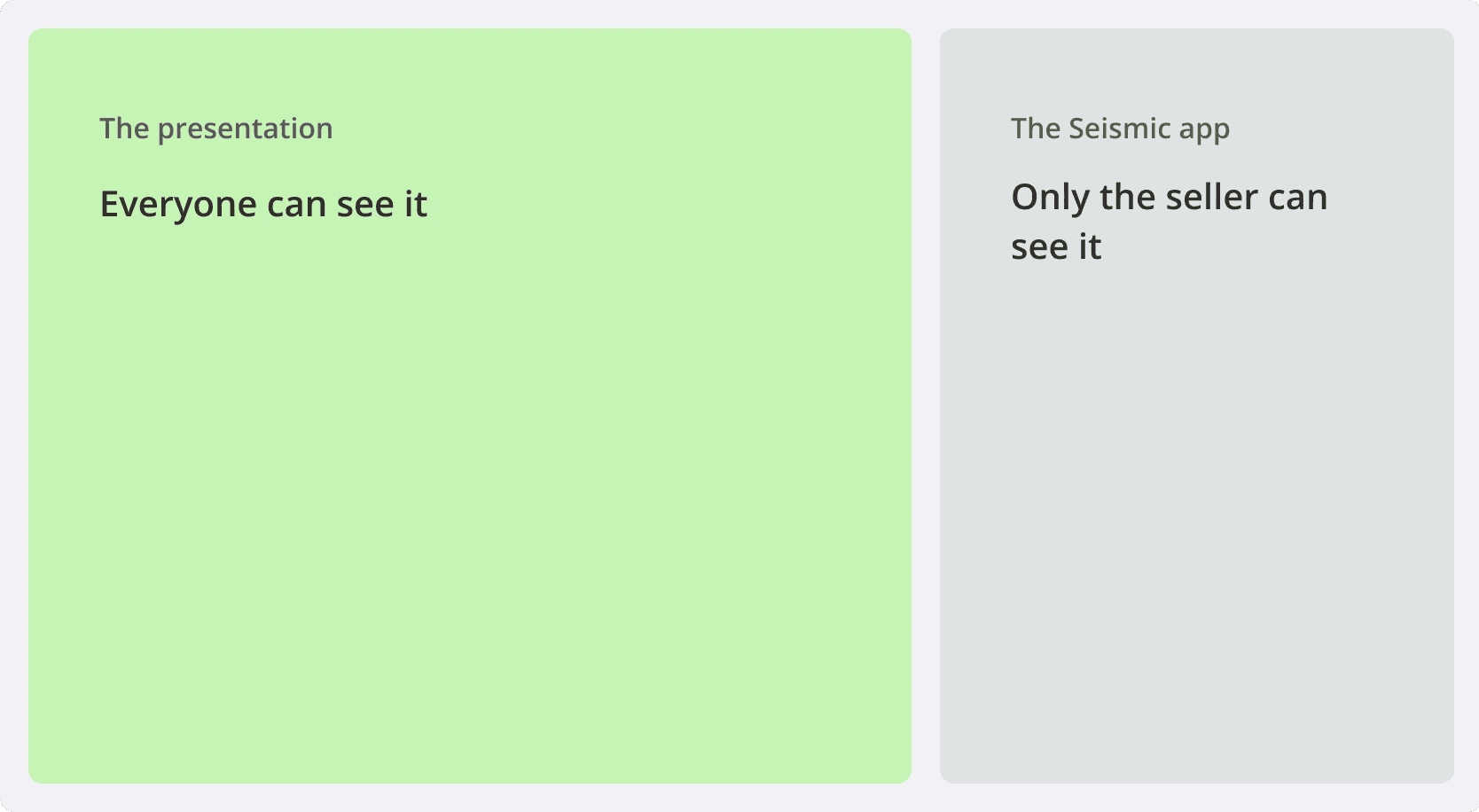
Diagram comparing what each side sees: the shared presentation is visible to everyone in the meeting, while the Seismic panel stays hidden and visible only to the seller.

What's the catch?

The meeting app technology also posts challenges to me as all interactions are limited to the app panel area.

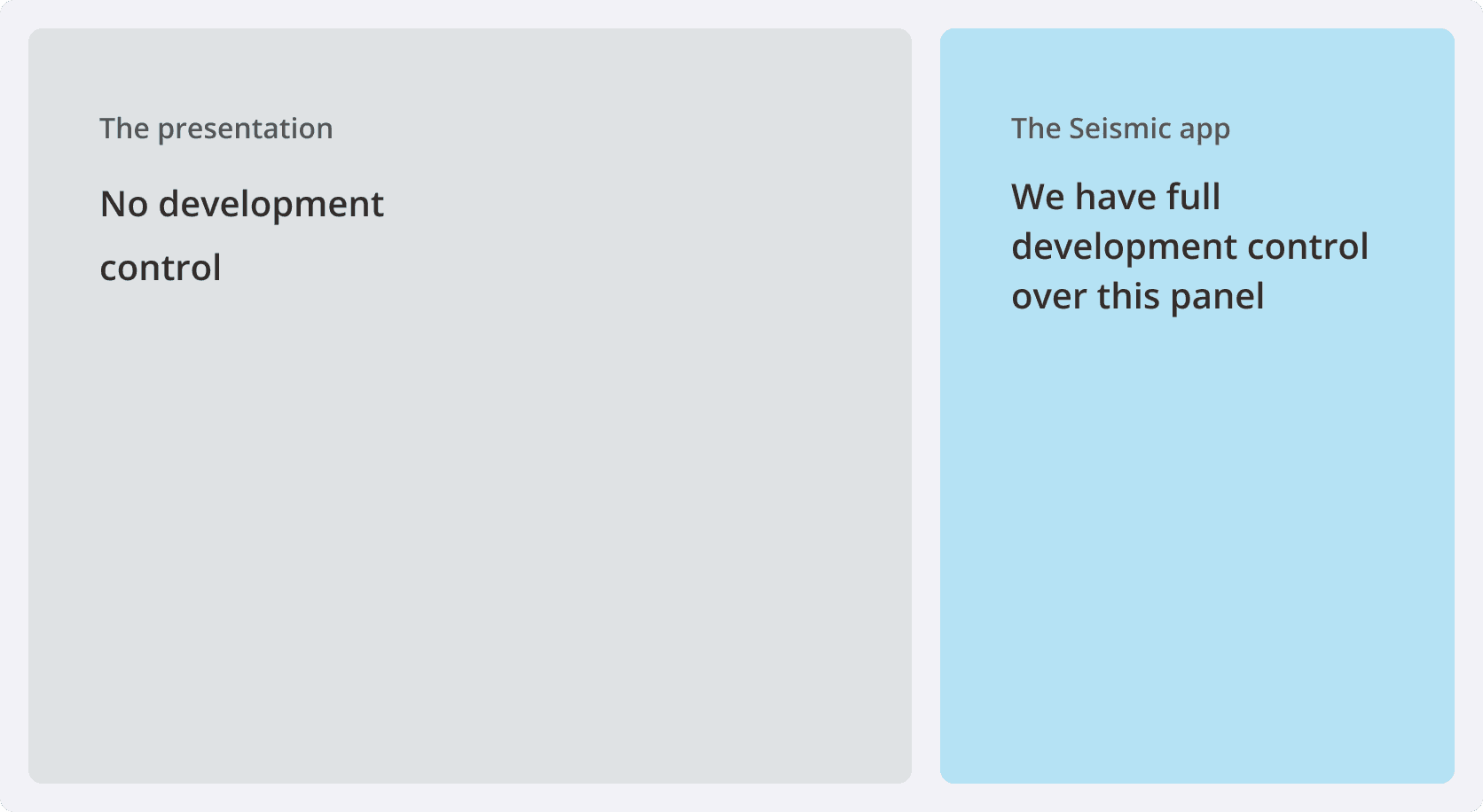
Diagram showing the constraint: the shared presentation area allows no development control, while the Seismic app panel gives full development control within that space.

Concept validation

I ran a brief competitive analysis and found that meeting apps are still a new space. To validate our concept, I set up an unmoderated user test during our company conference using UserTesting.com and gathered feedback from six participants.
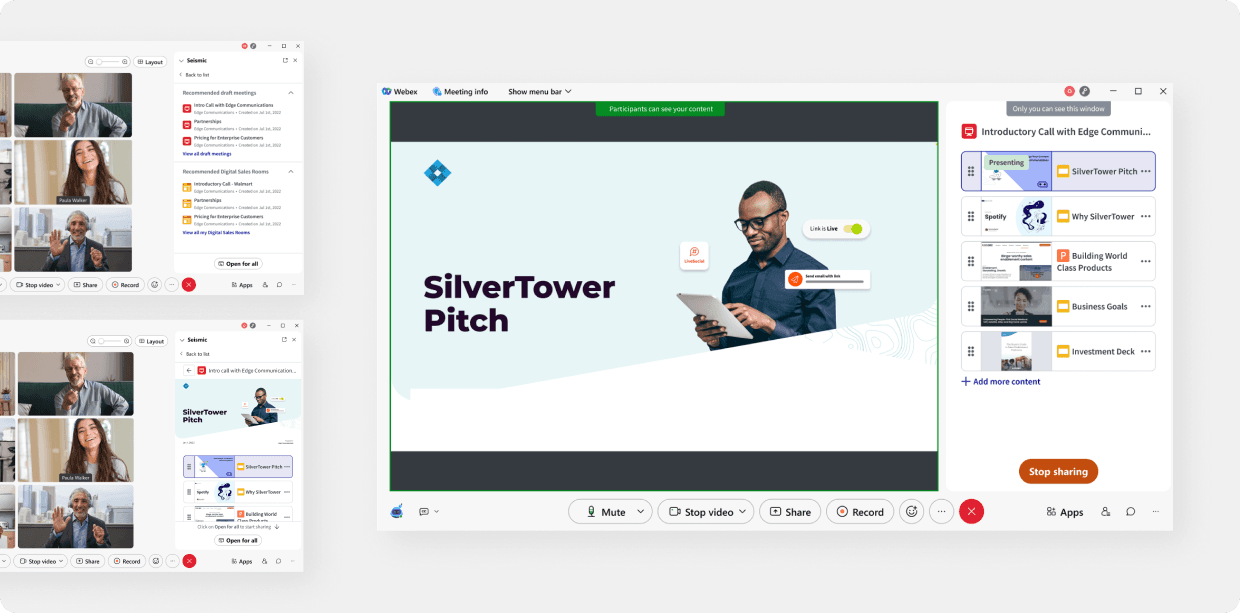
Two views of the 'SilverTower Pitch' presentation used in the unmoderated user test, shown inside the Webex meeting and Seismic panel.

Findings

🥳 Good - Users reacted positively to the meeting app concept

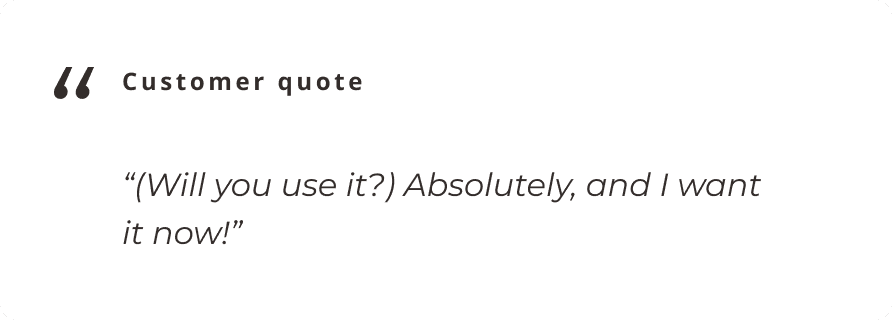
Customer quote: "Will you use it? Absolutely, and I want it now!"
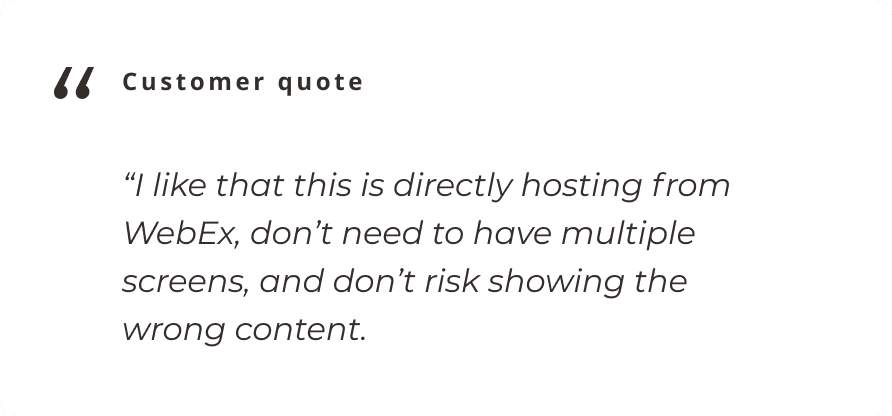
Customer quote: "I like that this is directly hosting from WebEx, don't need to have multiple screens, and don't risk showing the wrong content."
Customer quote: "Will you use it? Absolutely, and I want it now!"
Customer quote: "I like that this is directly hosting from WebEx, don't need to have multiple screens, and don't risk showing the wrong content."

🚧 Room of improvement - Landing page is easy for most people to understand. But…

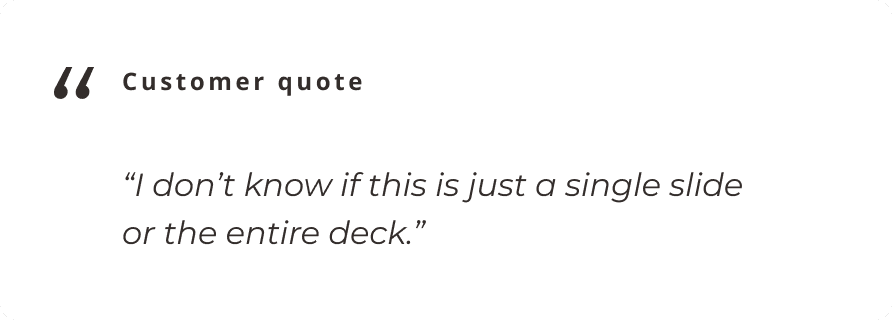
Customer quote: "I don't know if this is just a single slide or the entire deck."
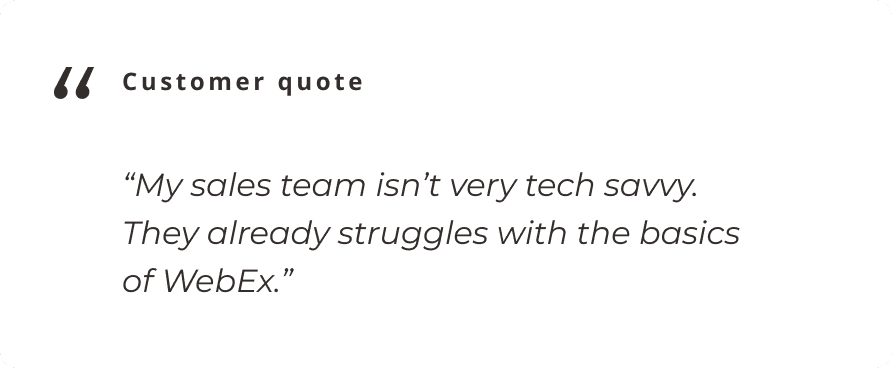
Customer quote: "My sales team isn't very tech savvy. They already struggle with the basics of WebEx."
Customer quote: "I don't know if this is just a single slide or the entire deck."
Customer quote: "My sales team isn't very tech savvy. They already struggle with the basics of WebEx."

Turning feedback into focus

Overall feedback from user testing was positive, but it revealed opportunities to simplify the interface and focus on what’s essential during a presentation.
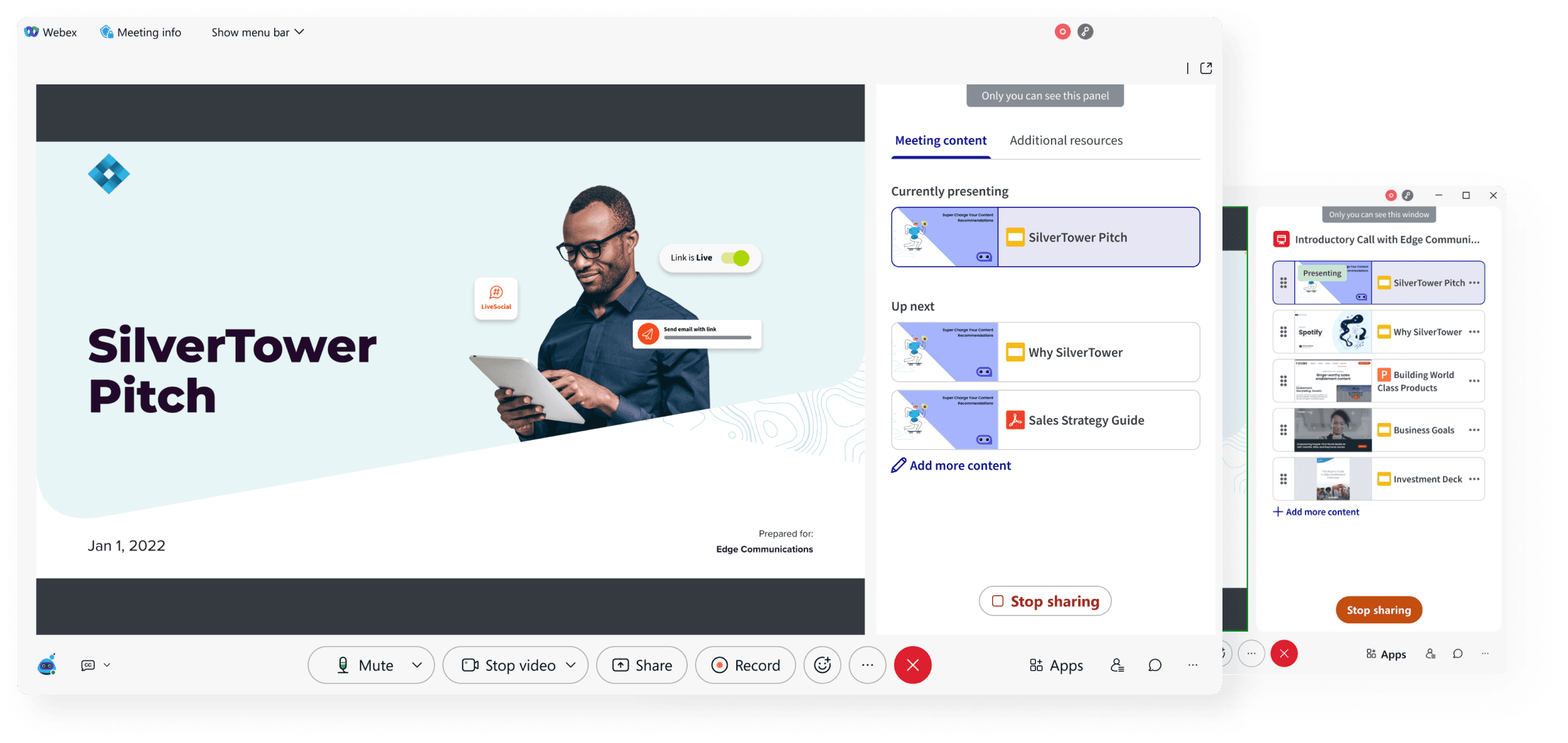
Screenshot of the early MVP: the Seismic panel open in a Webex meeting showing the 'SilverTower Pitch' deck with an expanded content library.

Designing for growth

Our first concept validated the technical foundation and got an MVP out the door. With that in place, we moved toward our vision of collaborative presenting.

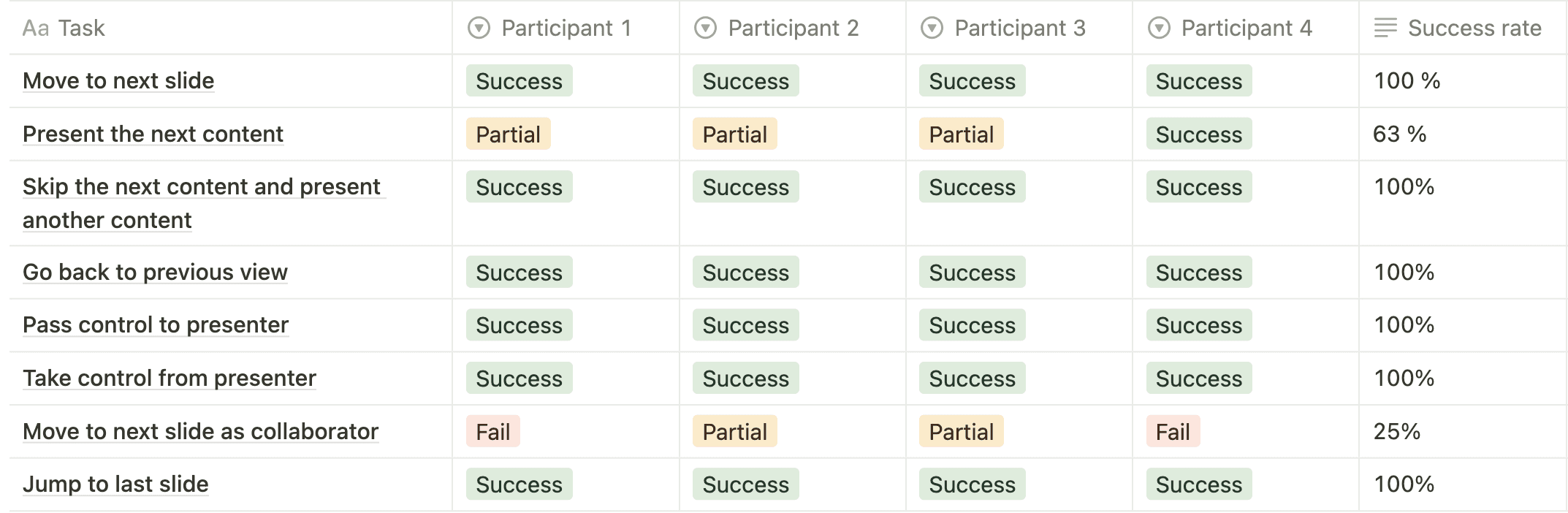
As features grew, space quickly became a constraint—so I reworked the information architecture and tested it with users. The results guided final refinements.
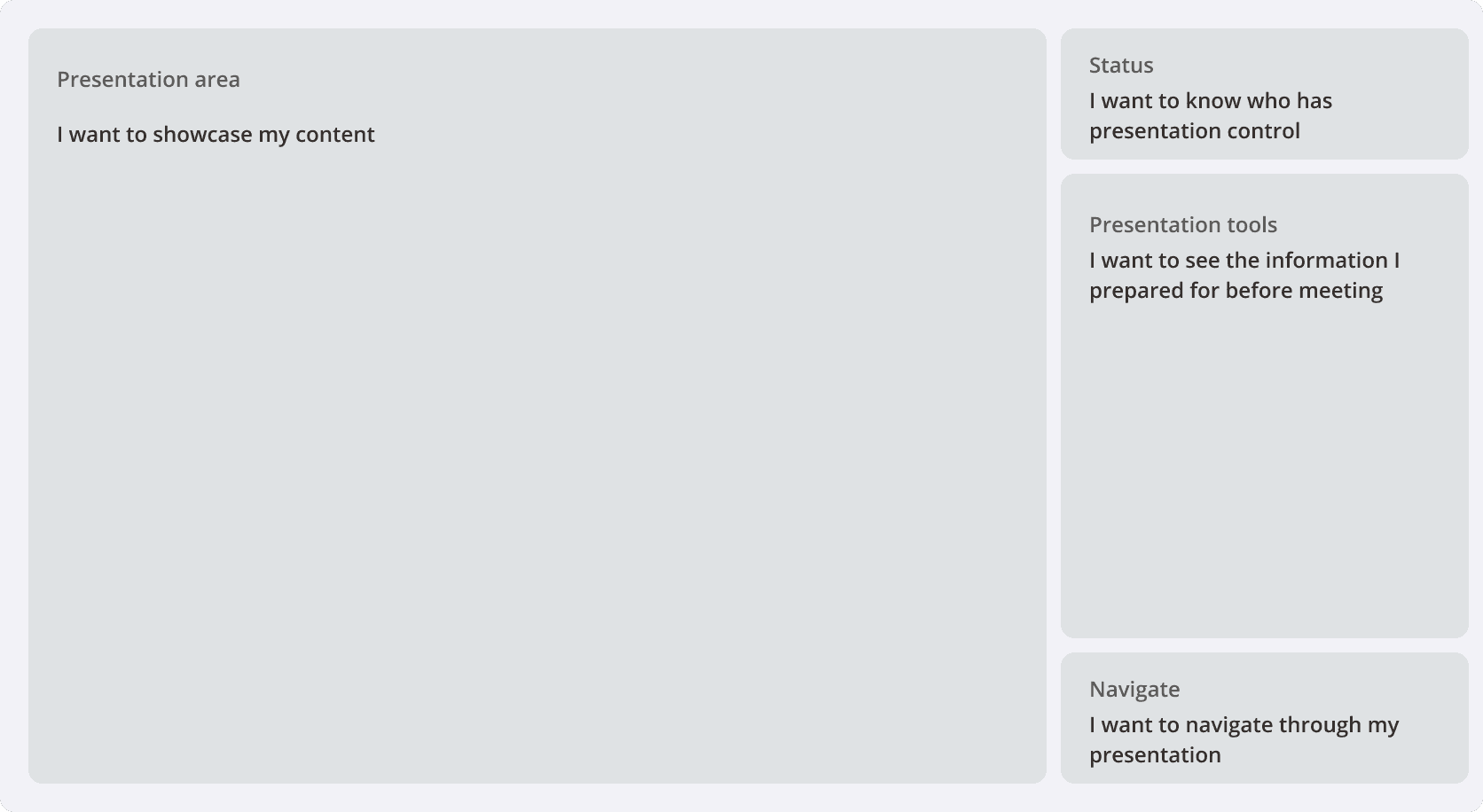
Wireframe of the reworked information architecture: a main presentation area alongside a sidebar with status, next-content preview, and navigation controls.
Table of usability-test results by task and participant: most tasks (move to next slide, skip content, go back, pass or take control, jump to last slide) succeeded 100% across all four participants; 'present the next content' succeeded 63%; 'move to next slide as collaborator' succeeded only 25%.

Final Solution

Conclusion

My previous experience working in integrations led me to this project naturally. I’m glad to be part of the company’s largest initiative and a product that’s new in the field.